
Web Apps & Digital Tools for small business
Does your company need more than a regular website? I build custom web apps with React and Vite that help you manage information, automate processes, and work more efficiently. Remote delivery across Sweden and abroad, based in Sölvesborg.
In short: A website mainly shows information for your visitors. A web app does things: for example handles customers, bookings, documents, workflows, or other data.
Website or web app?
A website mainly shows information. A web app handles data, users, or workflows. A simple CMS for news still counts as a website with your own content.
| Compare | Website | Web app & digital tools |
|---|---|---|
| What it is | Information and presentation: services, references, contact, news | Interaction and business logic: login, booking, admin, integrations |
| Choose this if | You want to be visible, explain the offer, and get more inquiries | You need a tool that handles customers, data, or internal flows |
| Examples | Company site, services, about us, contact, blog | Customer portal, booking, dashboard, tickets, API integrations, AI features |
| Starting price | From SEK 8,500 (basic) · from SEK 11,500 (contact) · from SEK 15,000 (own content) | From SEK 18,000 (quote by scope) |
| Next step | See websites | See web app pricing |
The Problem
Small businesses often need a focused tool, not a full platform. You might need an internal dashboard, a customer portal, or a booking view, but big software suites include more than you will ever use.
Many teams still rely on spreadsheets and manual steps because nothing off the shelf fits how they actually work.
The Solution
A simple web app built specifically for your needs. Focused on solving one problem well, without unnecessary complexity or features you'll never use.
Built with modern technology, delivered with clear scope. A free concept prototype is included so you see the direction before paid development.
What is a Web App or Portal?
A web app or portal is a focused online tool that solves one business job: bookings, internal status, or customer self-service. It is built to your workflow, not sold as a one-size package.
Internal Tools
Dashboards, admin panels, and tools that help your team work more efficiently.
Customer Portals
Simple portals where customers can access their information, bookings, or services.
Automation Tools
Tools that automate repetitive tasks and workflows to save time and reduce errors.
Example Projects
Here are some examples of simple web apps that work well for small businesses:
Internal Dashboard
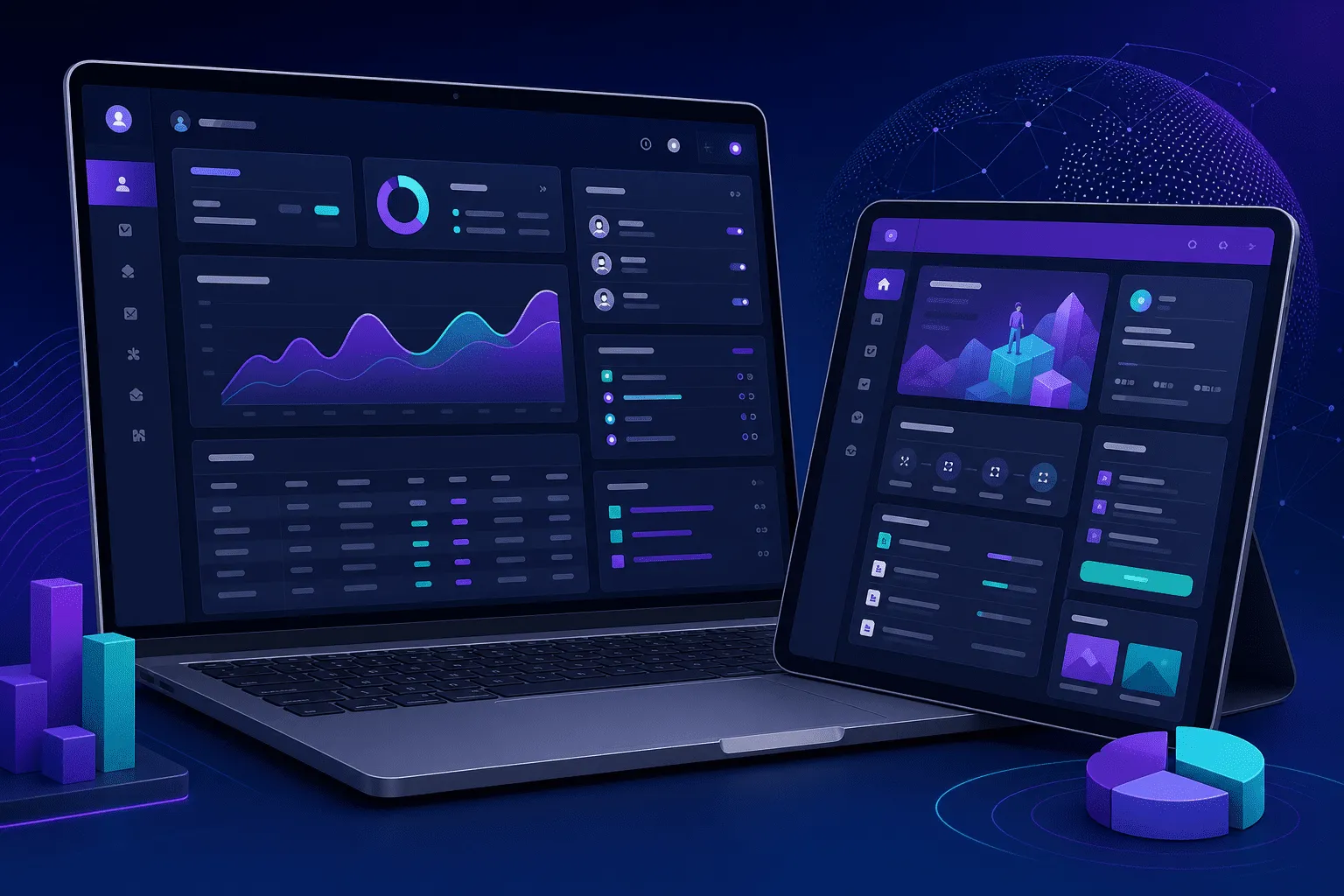
A dashboard that shows key metrics, recent activity, and quick actions. Perfect for small teams that need visibility without complex analytics.
- Key metrics at a glance
- Recent activity feed
- Quick action buttons
Customer Portal
A simple portal where customers can log in, view their information, make bookings, or access services.
- Secure login system
- Personal information access
- Booking or service management
Automation Tool
A tool that automates a repetitive task, like processing orders, generating reports, or syncing data between systems.
- Automated workflows
- API integrations
- Error handling and notifications
Simple CRM
A lightweight CRM that tracks contacts, deals, and interactions without the complexity of large sales platforms.
- Contact management
- Deal tracking
- Activity history
How I Build Web Apps
A scope-first process designed to ship quickly without overbuilding.
Workflow mapping
I map the workflow with you and identify the smallest version that delivers value quickly.
Scope + acceptance checklist
You get a clear scope, an acceptance checklist, and a timeline so there are no surprises.
Development
I build the app with weekly updates and fast feedback loops. You see progress as it happens.
Launch + handover
I deploy, test, and hand over with documentation so you can run and maintain it with confidence.
Why choose a simple web app?
Fast delivery in 2-6 weeks
Cost-effective solutions for small businesses
Direct collaboration with the developer
Easy to extend when your needs grow
Clean code another developer can take over
Ongoing support available
What You Get
Concrete outputs, not vague promises.
An advanced web app that solves one concrete workflow
Login and roles (if needed) and a simple admin view
Audit log (optional) for important actions
Basic analytics or event tracking (optional)
Deployment + a handover pack (runbook, credentials, and next-step backlog)
Pricing for web apps & digital tools
Starting price for custom tools. The price depends on functionality and scope. You get a clear quote before development starts.
The from-price covers a realistic first version. Larger systems are quoted separately. A free concept prototype is included before paid development. Mainly need an information website? See web development.
Web Apps & Digital Tools
More than a regular website
For businesses that need functionality, data, users, or workflows beyond a regular website. Examples: customer portals, booking, internal tools, dashboards, tickets, databases, API integrations, and AI features.
- Free concept prototype before full delivery
- Clear quote based on project scope
- Direct contact with the developer
- Login, roles, and admin when needed
- Integrations and database when the project requires it
- No upper price limit: larger projects are quoted separately
Frequently Asked Questions
Common questions about web apps for small businesses
What stack do you use for web apps?
Custom React and Vite with TypeScript, tailored to your workflows. That keeps the tool fast, maintainable, and ready to extend when your processes change.
What is a web app for a small business?
A web app is a digital tool in the browser: customer portal, booking, internal overview, admin, or similar. It does not replace your website. Most businesses start with the workflow that saves the most time.
How is a web app different from a website?
A website mainly shows information for your visitors. A web app does things: handles customers, bookings, documents, workflows, or other data. Many have both: a public website plus a tool for customers or staff.
How much does a web app cost?
Web apps and digital tools start from SEK 18,000. The price depends on functionality and scope. There is no upper price limit for larger projects. You get a clear quote based on project scope before development starts. Need a regular website instead? See web development from SEK 8,500.
Is SEK 18,000 a fixed price?
No. It is a starting price. Scope, number of users, integrations, and features drive the final price. You always get a clear quote before paid development.
Does the price include hosting, domain, and SSL?
No. You pay ongoing costs such as hosting, domain name, SSL, and similar services with your provider. I can recommend hosting and domain providers and help you set them up, but you pay those fees.
How long does development take?
A focused first version often takes three to five weeks after the concept prototype is approved. Scope, integrations, and login requirements affect the timeline. You get a written plan before work starts.
Do I need a separate mobile app?
Often no. A responsive web app works on phones and desktops. Native iOS or Android makes sense when you need push notifications, offline features, or access to phone capabilities. We decide based on your users.
Can the app connect to tools I already use?
Yes, when an API or export exists. Common hooks include spreadsheets, booking tools, email, and light CRM flows. We map what you have first so you do not rebuild working systems.
Do you work with clients outside Sweden?
Yes. Web apps are built remotely for clients in Sweden and abroad. You do not need to be near Blekinge or Skåne for a project.
Ready to describe your web app project?
Book a short call or request a free concept prototype. You get a clear quote before development starts.
See My Work in Action
Real projects I have built for small businesses and startups.
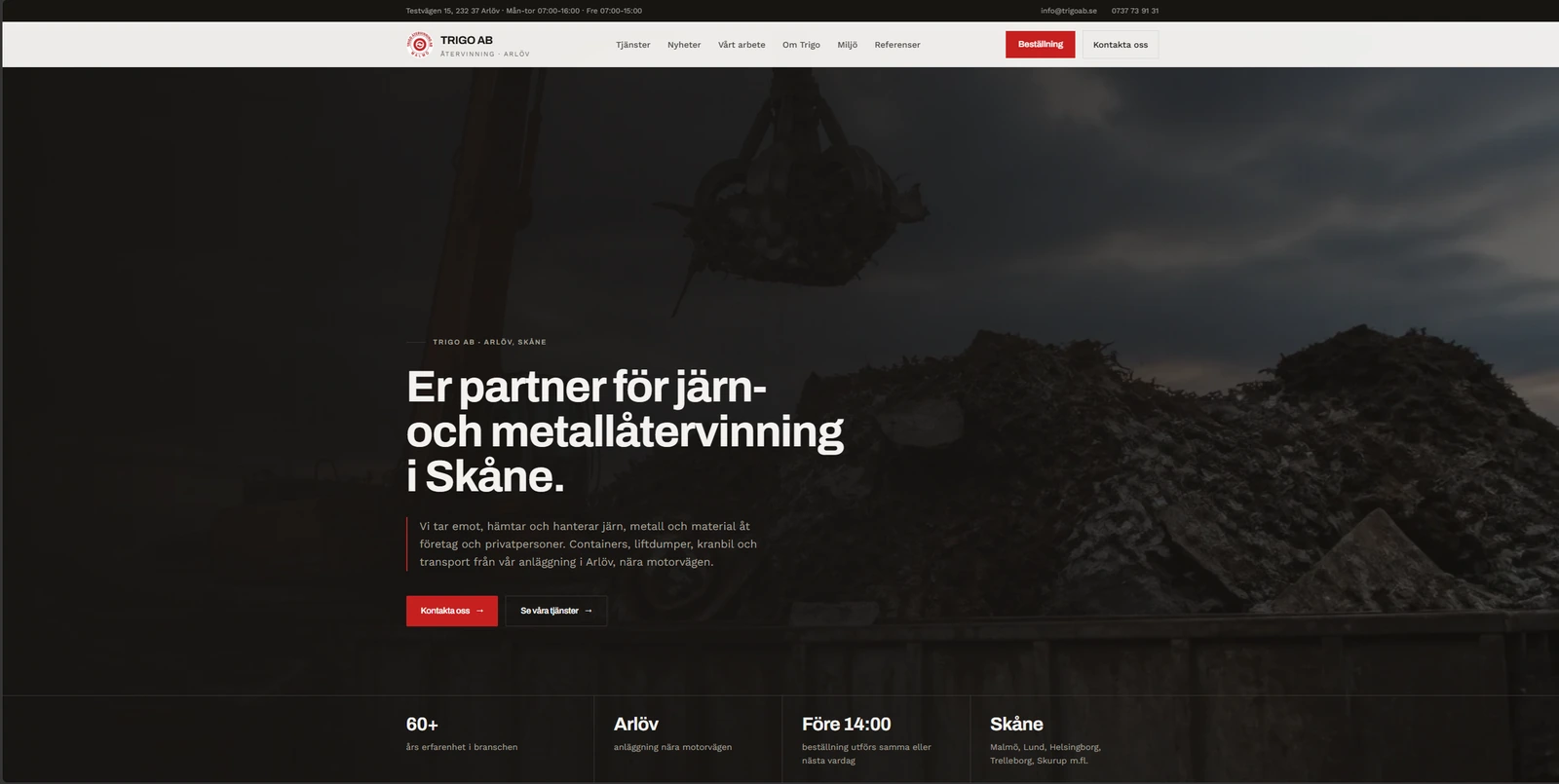
“Jamie has streamlined and automated several processes related to invoicing, checklists, and forms. He is an experienced consultant with extensive expertise across a broad spectrum of areas.”