
PSU replacement and RAM upgrade: from freezes to a stable PC
Project: recurring shutdowns from an aging power supply, on-site replacement, then a RAM upgrade from 16 GB to 32 GB for a returning customer.
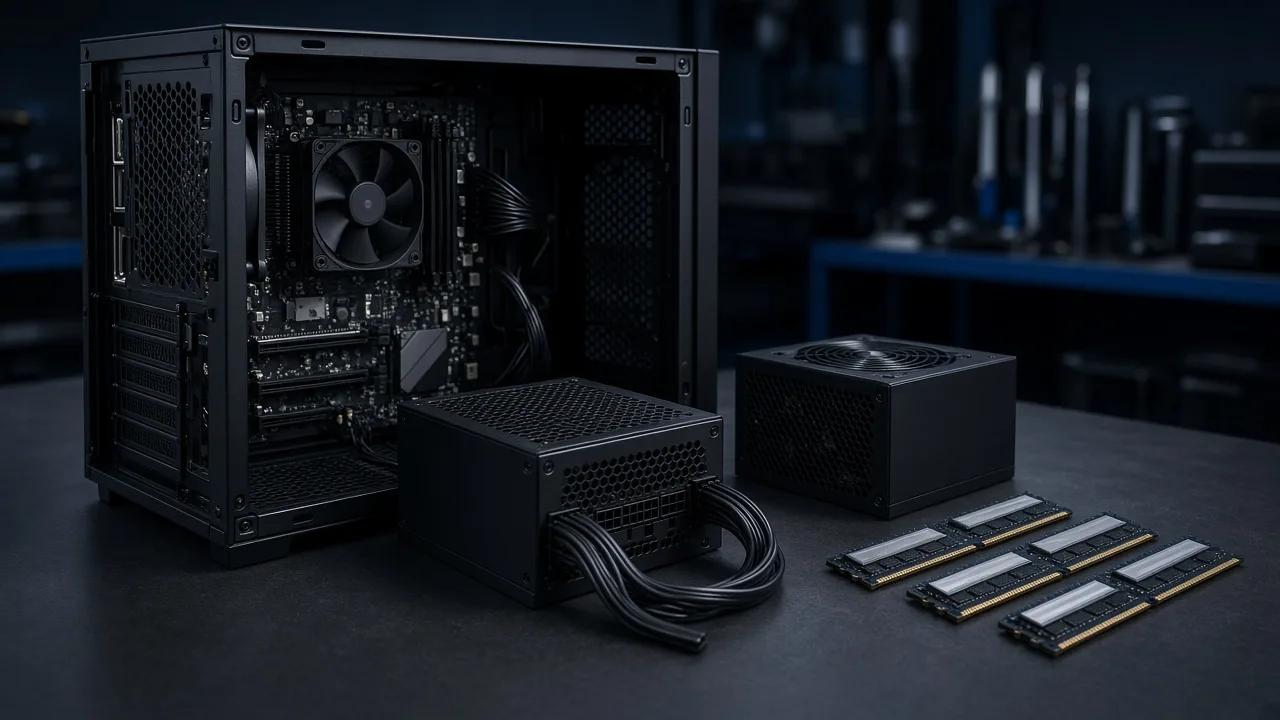
When a PC freezes or shuts down at intervals, it is easy to blame Windows, heat, or a tired drive. In this project with Champion Trader Academy, the root cause was an aging power supply. Later the same customer came back for a RAM upgrade from 16 GB to 32 GB.
TL;DR: Sporadic freezes and shutdowns pointed to power supply trouble after long use. On-site troubleshooting led to a power supply replacement and a stable PC. Months later, RAM went from 16 GB to 32 GB for smoother multitasking.
It is a typical example of practical on-site IT support: find the real fault, replace the right part, test, and help again when the next bottleneck shows up.
The problem
The PC was unreliable. It could hang or power off during normal work, especially with many apps and browser tabs open. The symptoms came and went, which often makes people blame software first.
After a call and on-site checks, the pattern pointed at the power supply. An older power supply with known quality issues can drop voltage and cause freezes or unexpected restarts without a clear Windows error.
The fix: PSU replacement
Work started with troubleshooting, not with swapping parts on a guess.
- Reviewed symptoms and how often they appeared
- Checked components and the power supply type in the case
- Recommended a suitable replacement with enough wattage and the right connectors
- Picked up and installed the new power supply
- Tested clean boots and stability under load
After the swap, the recurring freezes stopped. The customer could keep working with many tabs open without the same cutouts. It is also a good example of when repair beats buying a whole new PC too early.
Follow-up: RAM 16 GB to 32 GB
Later the same customer got in touch again. The PC was stable, but felt slow under heavy multitasking. Memory use often sat near the ceiling, which forces Windows onto the page file on disk. That makes the SSD work harder and the system feel sluggish even when the CPU is fine.
After checking system info and the memory modules, an upgrade to 32 GB was recommended. Because all slots were already filled, that meant replacing the existing modules, not only adding more. The customer bought the RAM, and I installed and tested it on site.
Result: more physical memory for tabs and documents at once, less reliance on virtual memory, and a returning customer relationship built on the first fix actually holding.
What you can take from this
- Sporadic shutdowns or freezes can be the power supply even when Windows looks fine
- Troubleshooting before parts saves time and money
- Stable power comes before performance tuning
- High RAM use often shows up as SSD load and sluggish multitasking
- A solid first visit is often why people call again
Related: common computer issues and what you get with home IT support.
FAQ
How do you know the PSU is the problem?
Common signs are random shutdowns, freezes under load, or a machine that refuses to start while other hardware looks fine. On-site troubleshooting confirms before a swap.
Can you keep the same PC after a PSU swap?
Yes, often. If the other parts are in good shape, a new power supply can restore stability without a new PC.
When is a RAM upgrade worth it?
When Task Manager shows memory near 100 percent and the PC feels slow with many tabs or apps open at once.
What does 16 GB to 32 GB change in practice?
Twice the working memory. The CPU itself is not faster, but Windows has to swap less to disk, so multitasking feels smoother.
Do you do this work on site?
Yes. PSU replacement and RAM installs are normally on site for a desktop PC. Remote help rarely covers that hardware work.
How does a similar job start with IvyyDev?
Describe the symptoms briefly via the contact form or email. I come back with next steps, often an on-site visit for diagnosis before parts are swapped.
Closing
Thanks to Champion Trader Academy for the trust, both for the PSU replacement and the later RAM upgrade. Stable hardware first, then performance where it actually shows.

Jamie Bech
Senior Developer & Technical Specialist
I'm a senior developer with expertise in modern web technologies, infrastructure, and business automation. With over 8 years of experience, I specialize in creating efficient solutions that help businesses scale and grow.
Related Articles
More guides on IT, web, and practical AI for small businesses and home users
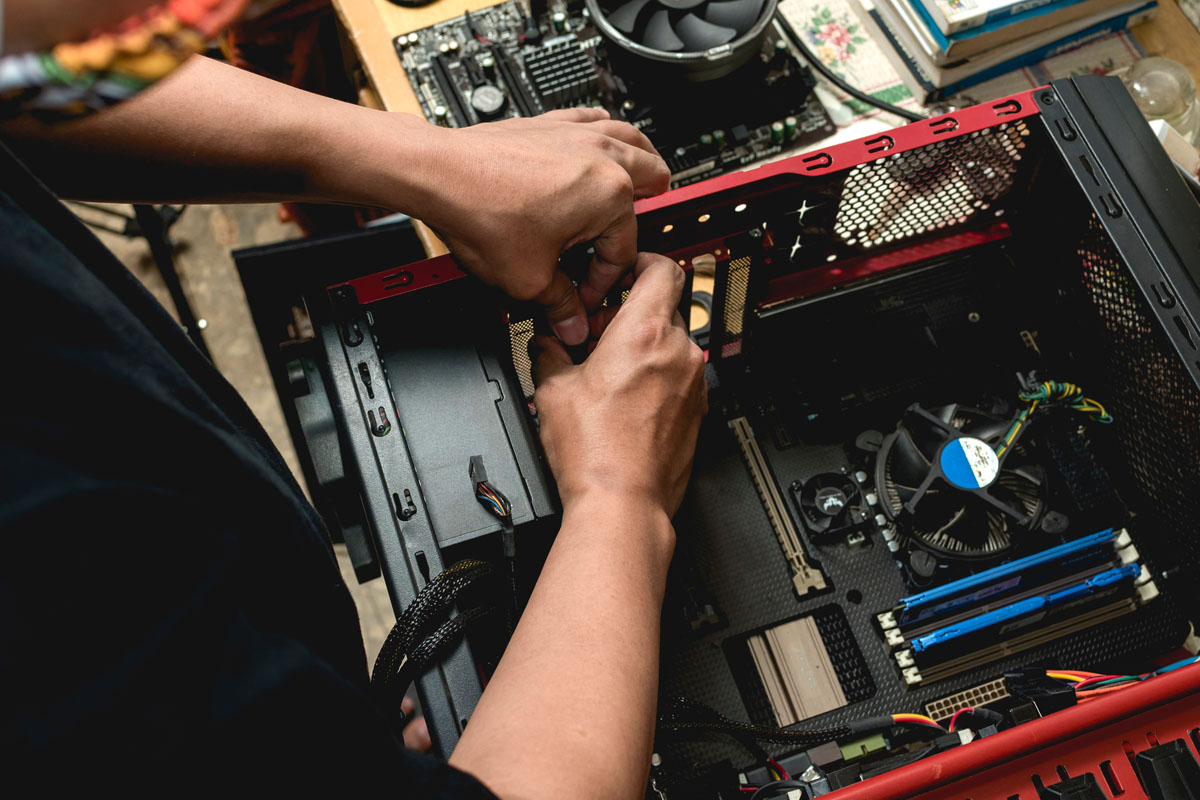

Is your PC hanging or feeling slow?
Describe the symptoms and I will come back with clear next steps, remote or on site.