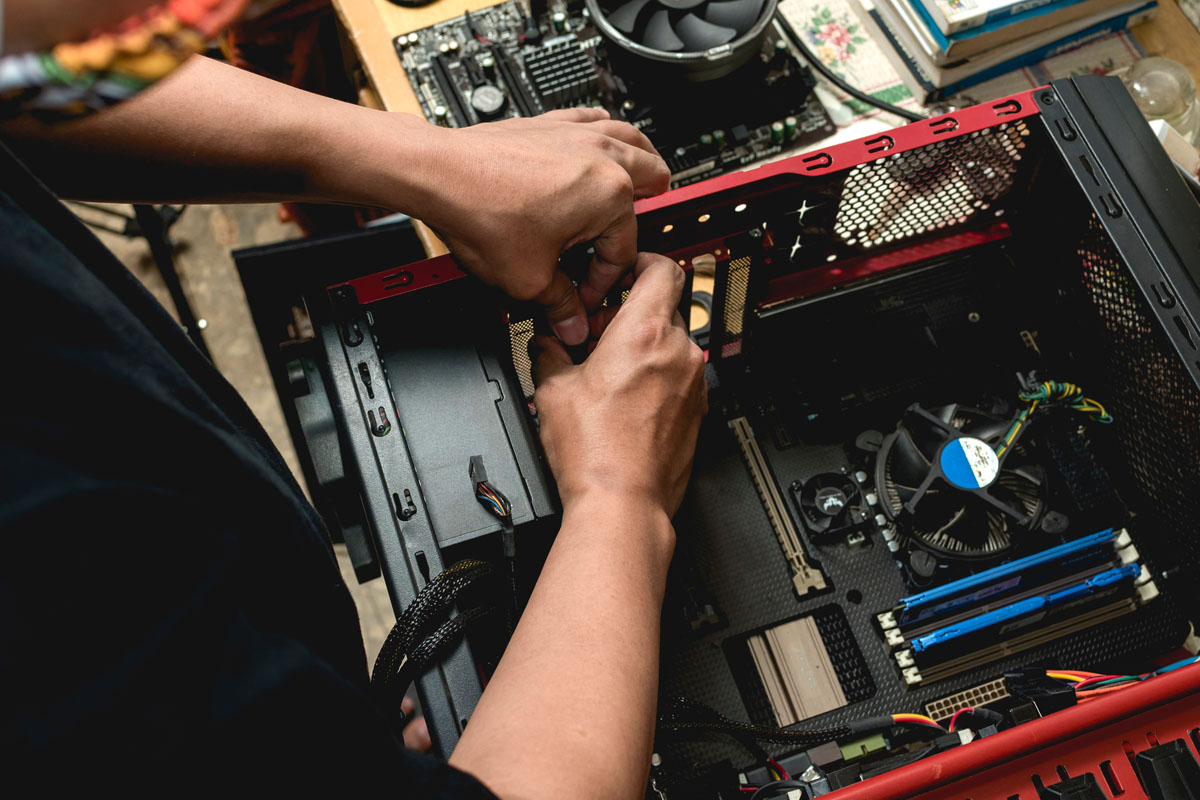
Home IT Support: What You Get and When It Makes Sense
What home IT support includes, when remote help is enough, when to book an on-site visit, and what to expect from pricing for private users.
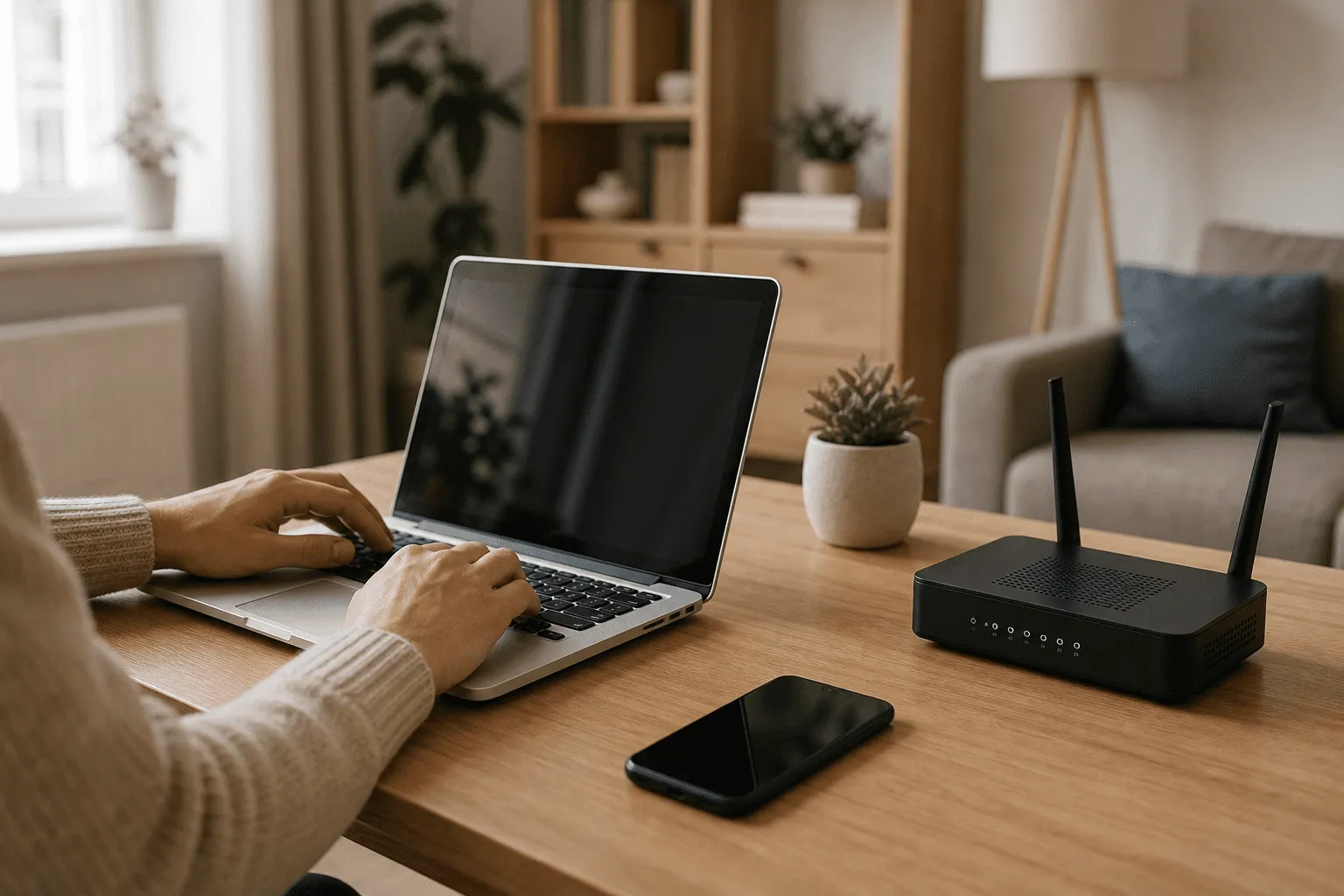
Home IT problems are frustrating because your evening disappears into updates, forums, and guesswork. Home IT support should be straightforward: describe what broke, get a clear plan, and fix it without talking down to you.
TL;DR: Home IT support covers PCs, WiFi, printers, security, and device setup at your place or remotely. Software and settings are often fixed online; hardware and cabling usually need a visit. You get plain-language explanations and quoted work before bigger jobs start.
What is home IT support?
Home IT support is practical help for computers, networks, and connected devices where you live. It is for private users, freelancers working from home, and anyone who wants a working setup without hiring a corporate IT department.
Typical tasks include malware cleanup, Windows reinstall, SSD upgrades, WiFi coverage, printer headaches, backup setup, and making a new laptop feel like yours. See the full list on the IT support service page and the broader IT guide for small businesses and home users.
Why home IT support matters
A broken PC or network is not just annoying. It can mean lost photos, missed freelance deadlines, or kids unable to study online. Professional help saves time and reduces the risk of making things worse with random tools from the internet.
Benefits you should expect:
- Clear diagnosis instead of endless reboots
- Safe malware handling without leaving infections behind
- Honest repair vs replace advice when hardware fails
- Remote option when travel is unnecessary
How home IT support works
Most jobs follow the same pattern:
- You describe symptoms and devices involved.
- I suggest remote or on-site and give a price indication.
- We fix the issue and note anything you should do next.
Remote sessions use secure screen-sharing for software problems. On-site visits cover Blekinge and parts of Skåne from Sölvesborg when hands-on work is needed. Details for local coverage are in IT support in Sölvesborg, Blekinge and Skåne.
Practical steps before you book help
- Write down error messages and when the problem started.
- Note what you already tried so we do not repeat failed steps.
- Back up important files if the machine still boots.
- Check power and cables for simple fixes before paying for a visit.
- List all affected devices (only one PC or the whole house WiFi?).
For recurring slowdowns, read common computer troubleshooting issues to see if your symptom matches a known pattern.
What you get during a typical visit or session
- Troubleshooting with explanation in normal language
- Malware scan and cleanup when infections are suspected
- Windows install or reinstall (hourly: 900 SEK/h; about 450 SEK/h after RUT for private individuals on eligible home visits)
- WiFi survey and router or mesh placement advice
- Component swap such as SSD, RAM, or PSU when cost-effective
- Printer, TV, and basic smart home connectivity on your network
Pricing can start from 0 SEK for short guidance when fair. Billable work is 900 SEK per hour for both remote and on-site. Rough time is agreed before paid work starts. No hidden fees. For private individuals in Sweden, eligible IT work in or near the home can qualify for RUT tax deduction on labor (50 percent), so about 450 SEK/h after the deduction depending on the job type. RUT does not cover coding, remote-only advice, or work in company premises. Call-out and travel are extra on visits; contact for a figure. More on RUT is on the IT support page and at Skatteverket.
Frequently asked questions
What can home IT support fix remotely?
Remote support often covers slow software, email setup, virus removal, Windows settings, printer drivers, and WiFi configuration when you can reach the router.
When do I need an on-site visit?
On-site fits hardware inside the PC, cabling, WiFi dead zones you cannot solve remotely, new device setup, and when you prefer someone there in person.
Do you help with smart home and TVs?
Yes, for basics tied to your network: connecting devices, fixing streaming issues, and making sure WiFi reaches where you need it.
Is home IT support only for emergencies?
No. Many customers book help for upgrades, backups, new PC setup, or a yearly health check before something breaks.
How do I prepare for a home visit?
List symptoms, gather passwords you are comfortable sharing, clear desk space near the PC or router, and note which devices are affected.
Can I get a RUT tax deduction on home IT help?
Yes, for private individuals in Sweden on eligible work in or near the home. You typically pay half of the labor cost. See RUT on the IT support page.
Conclusion
Home IT support should feel helpful, not intimidating. Whether you need a quick remote fix or someone at your door in Blekinge or Skåne, the goal is the same: working technology and a clear explanation of what changed.
Contact me for home IT support or read the full service overview.

Jamie Bech
Senior Developer & Technical Specialist
I'm a senior developer with expertise in modern web technologies, infrastructure, and business automation. With over 8 years of experience, I specialize in creating efficient solutions that help businesses scale and grow.
Related Articles
More guides on IT, web, and practical AI for small businesses and home users