Complete IT Guide for Small Businesses and Home Users
A practical IT guide for small businesses and home users: what support covers, when to get help, and how to keep computers and networks reliable.

Whether you run a one-person company from the kitchen table or need a home PC that simply works, IT problems cost time and patience. This guide explains what practical IT support looks like for small businesses and private users, when to call for help, and how to avoid unnecessary complexity.
TL;DR: Small business and home IT support means clear troubleshooting for PCs, networks, security, and backups. Many issues are fixed remotely; hardware and cabling often need an on-site visit. Start with symptoms, agree scope and price, then fix the root cause instead of patching symptoms forever.
What is IT support for small businesses and home users?
IT support for small businesses and home users is hands-on help with computers, networks, software, and devices that keep daily work running. Unlike large corporate IT departments, the focus is practical: one person explains the problem in plain language, fixes what matters now, and leaves you with a setup you can maintain.
Typical scope includes:
- Computer help: slow PCs, crashes, storage upgrades, Windows install or reinstall
- Security: malware removal, suspicious email, basic hardening, backup checks
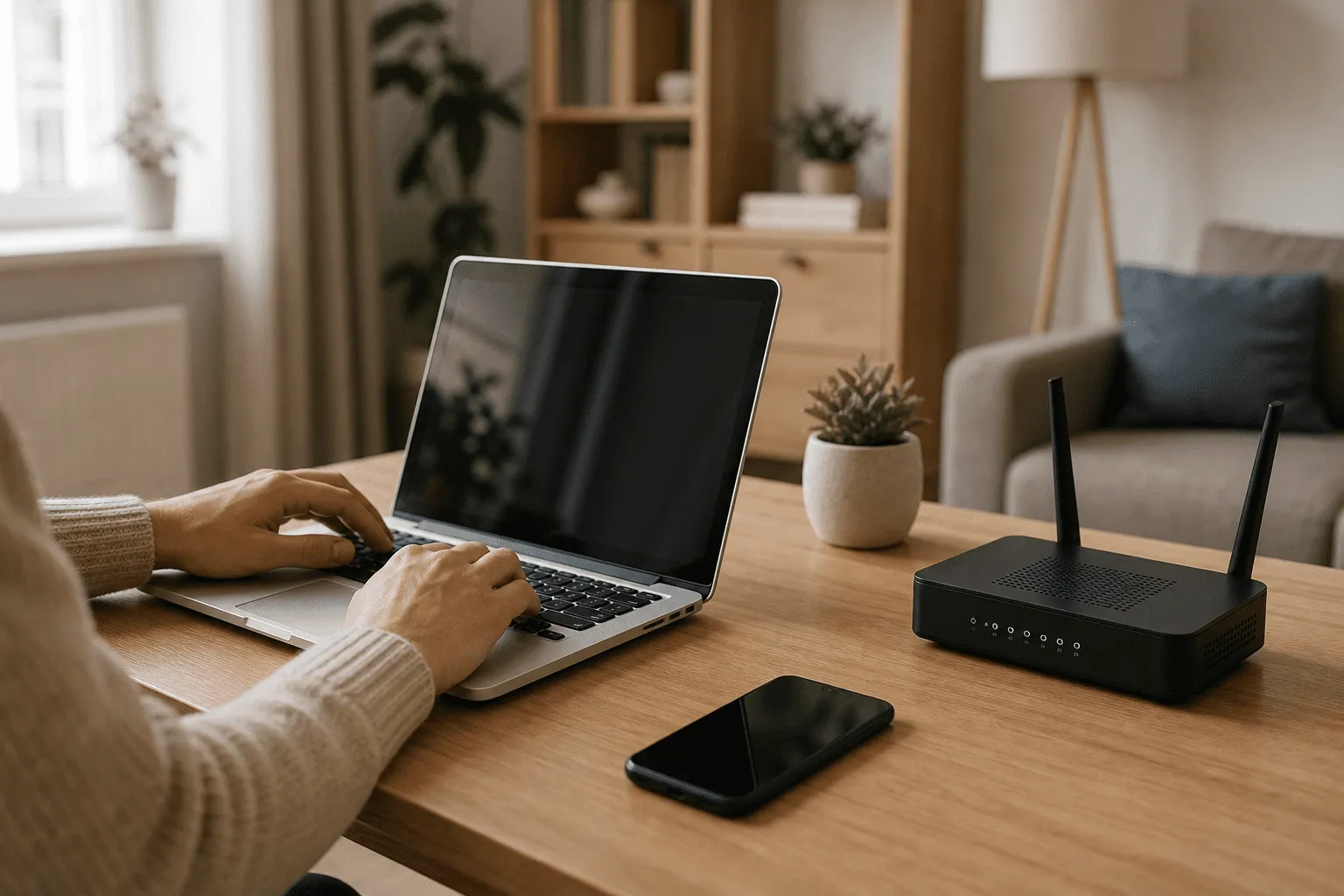
- Networking: WiFi coverage, router setup, small office LAN, VPN for remote work
- Devices: printers, phones, tablets, and smart home gear tied to your network
- Small business basics: shared files, email on new machines, simple documentation
Full service details and hourly pricing are on the IT support and computer help page. For local on-site and remote options in southern Sweden, see also IT support in Sölvesborg, Blekinge and Skåne.
Why IT support matters for small businesses and home users
Downtime hurts whether you invoice clients or manage family photos. A slow laptop during a client call, WiFi that drops in one room, or a PC that will not boot after an update steals hours you do not get back.
For small businesses, unreliable IT means missed orders, late invoices, and stress you cannot bill for. For home users, it means evenings lost to forums and risky downloads. Good support pays back in:
- Time saved: someone who has seen the problem before fixes it faster
- Lower risk: backups and security handled before data loss or fraud
- Clear decisions: repair vs replace, upgrade vs new machine, explained without jargon
- One contact: with IvyyDev you talk to the same person from first message to fix
Related guides in this cluster cover specific topics: what you get from home IT support, small office network setup, and common computer troubleshooting.
How IT support works in practice
Support usually follows a simple flow whether you are in Karlshamn, Malmö, or further away with a remote session.
1. Describe the problem
Share what happened, error messages, and what you already tried. Photos or screenshots help. The goal is to decide if remote or on-site is realistic.
2. Agree scope and price
Billable work is 900 SEK per hour for both remote and on-site. Rough time is agreed before paid work starts. No surprise invoices after the fact. For private individuals, RUT often applies on eligible home visits depending on the job type.
3. Remote or on-site
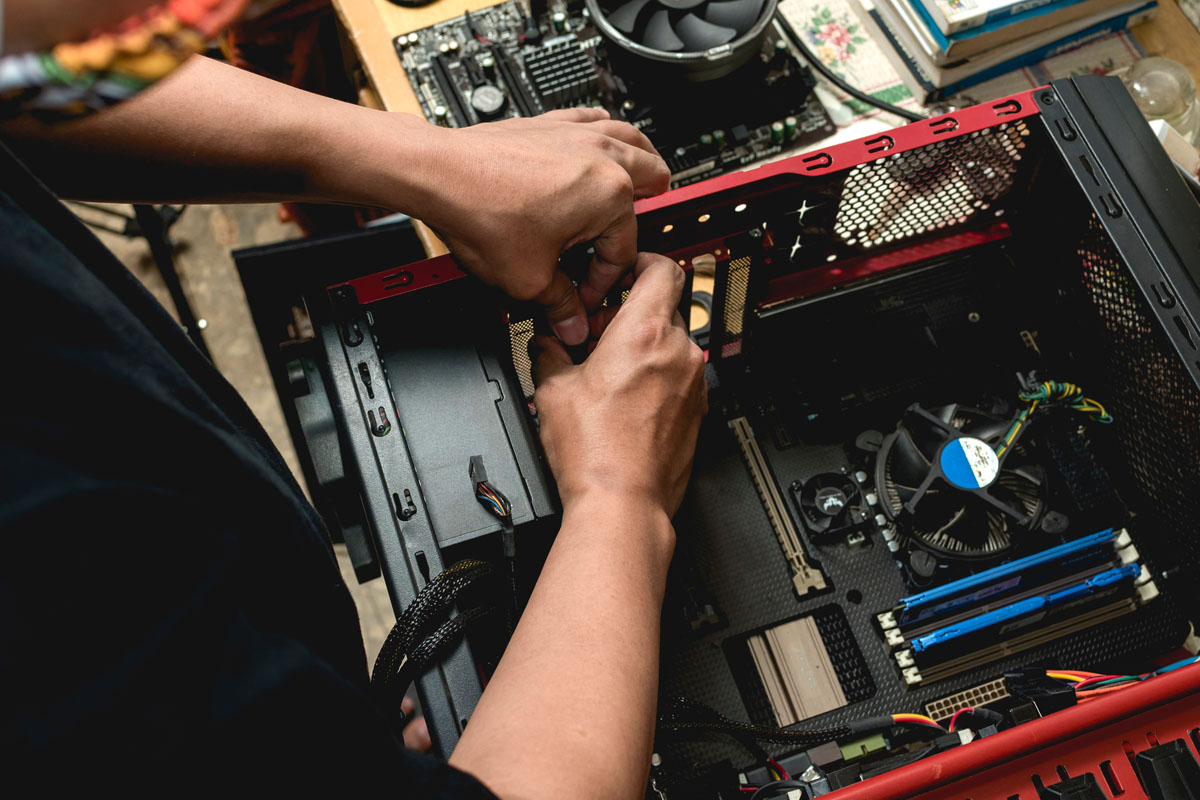
Remote fits software, settings, accounts, and many network issues. On-site fits hardware inside the case, cabling, WiFi surveys at home, and when you want someone physically there. I am based in Sölvesborg and cover Blekinge and parts of Skåne for visits.
4. Fix and document
After the fix you get a short summary: what was wrong, what changed, and what to do next (for example backup reminder or router placement).
Practical steps to keep your IT reliable
You do not need a full IT department to stay stable. These steps work for solo businesses and home setups alike.
- Back up what you cannot lose. Use cloud sync or an external drive for documents and photos. Test that you can restore a file.
- Keep systems updated. Install Windows and app updates on a schedule, not never and not blindly on deadline day.
- Use strong, unique passwords. A password manager beats reused passwords on every site.
- Segment your network. Guest WiFi for visitors and IoT devices keeps your work PC off the same lane as random gadgets.
- Replace failing hardware early. Clicking drives and random shutdowns get worse, not better.
- Know when to ask for help. If you have spent more than an hour on the same issue, or data is at risk, stop and get a second pair of eyes.
For a small office with several desks, read small office network setup before buying routers and switches.
Small business vs home: what changes?
The technology is often the same; priorities differ.
- Small business: uptime for email and invoicing, shared files, maybe a simple VPN, and security on laptops that leave the office
- Home user: family devices, gaming or study PCs, streaming, printers, and smart home that must stay on the network
Both benefit from the same honest approach: fix the root cause, explain trade-offs, and avoid selling gear or services you do not need.
When web development and IT support meet
Many small businesses need both a working computer and a website that brings in leads. IvyyDev covers hands-on IT and web development for small businesses, including realistic website costs and MVP development when you want to test an idea before a full build.
AI and automation can help small teams too. See practical AI for small business CRM for an example of what is realistic without enterprise budgets.
Frequently asked questions
Do you help both small businesses and home users?
Yes. I support one-person companies, small teams, and private users with the same practical approach: diagnose the problem, explain options clearly, and fix it remotely or on-site when needed.
What IT problems can you solve?
Common work includes slow PCs, WiFi issues, malware cleanup, Windows reinstalls, printer setup, backups, small office networks, and basic security hardening for laptops and phones.
Can you visit on-site in Blekinge and Skåne?
Yes. I am based in Sölvesborg and visit customers in Blekinge and parts of Skåne when hardware, cabling, or in-person help is the right fit. Travel is agreed upfront.
Is remote IT support an option?
Many software, account, and configuration issues are faster remotely. If the problem needs hands-on work, I will say so before you book a visit.
How much does IT help cost?
Simple guidance can start from 0 SEK when fair. Billable work is 900 SEK per hour for both remote and on-site. For private individuals, RUT often applies on eligible home visits depending on the job type (about 450 SEK/h after RUT). RUT does not apply to remote-only. Call-out and travel are extra on visits.
Conclusion
Small business and home IT does not need enterprise complexity. You need clear troubleshooting, fair pricing, and someone who can show up or connect remotely when it matters. Use this guide to decide what you can handle yourself and when professional help saves time and data.
Briefly describe your situation and I will suggest next steps, whether that is remote support, an on-site visit in Blekinge or Skåne, or pointing you to the right guide in this cluster.
Contact me for IT support or visit the IT support service page.

Jamie Bech
Senior Developer & Technical Specialist
I'm a senior developer with expertise in modern web technologies, infrastructure, and business automation. With over 8 years of experience, I specialize in creating efficient solutions that help businesses scale and grow.
Related Articles
More guides on IT, web, and practical AI for small businesses and home users