
Backup Routine for Home and Office: A Practical SMB Guide
Build a backup routine for home and small office: the 3-2-1 rule, cloud vs local copies, what to protect first, and restore tests that actually work.
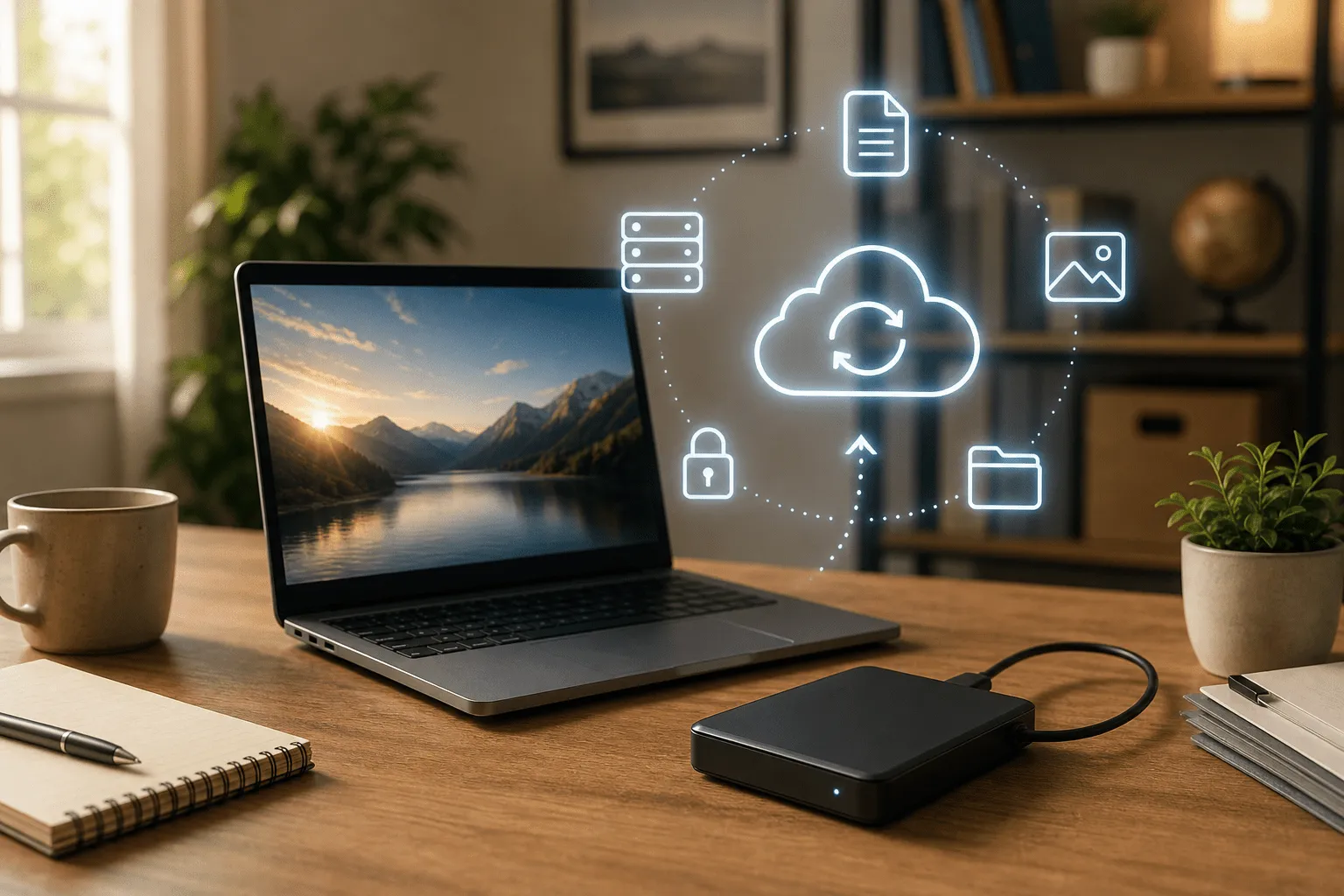
Backups are the insurance policy nobody enjoys buying until a laptop dies or ransomware locks a folder. This guide explains a practical backup routine for home users and small offices without datacenter jargon.
TL;DR: A backup routine for SMB and home means automated copies of files you cannot recreate, stored in more than one place, with a quarterly restore test. Use cloud sync plus an external drive or NAS, protect phones and accounting data, and treat sync alone as insufficient for disaster recovery.
What is a backup routine for SMB and home?
A backup routine for SMB and home is a repeatable plan that copies important data on a schedule, keeps older versions, and lets you recover after hardware failure, theft, accidental deletion, or malware. It is separate from "I save to OneDrive" if that only mirrors live files with no history.
For wider IT stability context, see the complete IT guide for small businesses and home users.
Why backup routine matters before fancy tools
- Invoices and contracts: losing a year of PDFs can break tax reporting
- Creative work: photos, designs, and project files are often irreplaceable
- Business continuity: a day without email hurts; a week without files can end jobs
- Ransomware reality: sync-only setups propagate encrypted files to the cloud
The 3-2-1 rule in plain language
- Three copies of important data: original plus two backups
- Two types of media: for example cloud plus external USB or NAS
- One off-site copy: cloud counts; a drive at a relative's house counts for home users
You do not need enterprise appliances. A disciplined SMB routine often combines Microsoft 365 or Google Workspace, a nightly external drive job, and occasional full exports of accounting software.
What to back up first
Small office priorities
- accounting and bookkeeping exports
- client projects, quotes, and signed contracts
- email mailboxes beyond default vendor retention
- CRM and line-of-business databases if not fully cloud-hosted
- server or NAS configuration if you run local storage
Home priorities
- family photos and videos
- tax documents and employment records
- school and university coursework
- password manager vault exports (stored encrypted)
Cloud sync vs true backup
OneDrive, Google Drive, Dropbox, and iCloud are excellent for availability. They are weak disaster recovery if:
- deleted files disappear from all devices instantly
- ransomware encrypts synced folders before you notice
- you never tested restoring an old version
Add backup software or vendor backup add-ons that keep immutable or versioned copies. For office networks with shared storage, network and infrastructure support can configure NAS snapshots and off-site replication proportionate to your size.
Sample weekly backup routine
| Day | Task | Who |
|---|---|---|
| Daily | Cloud sync of active documents; phones on WiFi backup photos | Automatic |
| Friday | External drive or NAS job for project folders | Automatic overnight |
| Monthly | Export accounting; verify backup job logs | Owner or bookkeeper |
| Quarterly | Restore test: recover one random file and one old email | Owner or IT contact |
Phones and laptops often forgotten
Business happens on phones: client photos, scanned receipts, WhatsApp exports. Enable encrypted cloud backup on iOS and Android, and make sure company phones use managed accounts where possible. Laptops need the same discipline as desktops; see common computer troubleshooting when drives show early failure signs.
When to call for help
Book IT support when:
- nobody knows if backups actually run
- you mix personal and business data on one consumer account
- you need NAS, RAID, or server recovery after hardware faults
- you want a restore drill documented for insurance or compliance
Remote sessions can configure tools; on-site visits help when storage hardware lives in a closet office.
Frequently asked questions
What is a good backup routine for a small business?
A good SMB backup routine uses the 3-2-1 rule: three copies, two media types, one off-site. Automate daily sync for documents, image phones weekly, and test restoring one file every quarter.
How often should I back up business files?
Active documents should sync at least daily. Accounting exports and project folders deserve continuous or nightly backup. Static archives can be weekly if nothing changes.
Is cloud storage the same as a backup?
Not always. Sync tools mirror deletions and ransomware. A true backup keeps history and separate copies you can restore after mistakes or attacks.
Do home users need the same backup routine as offices?
The principles match: protect photos, tax PDFs, and school work with automated cloud or external drive copies plus an off-site option. Scale effort to how painful loss would be.
Can you set up backups during an IT support visit?
Yes. Common work includes configuring cloud sync, external drive jobs, NAS snapshots, and walking you through a restore test so you know it works before disaster.
Conclusion
A backup routine for home and office is boring until it saves your season. Automate copies, keep one off-site, test restores, and fix gaps before you need heroics on a Sunday night.
Tell me what devices and cloud accounts you use. I can suggest a proportionate routine or set it up with you remotely or on-site in Blekinge and Skåne.
Contact me for backup setup or visit the IT support service page.

Jamie Bech
Senior Developer & Technical Specialist
I'm a senior developer with expertise in modern web technologies, infrastructure, and business automation. With over 8 years of experience, I specialize in creating efficient solutions that help businesses scale and grow.
Related Articles
More guides on IT, web, and practical AI for small businesses and home users