
Microsoft 365 vs Google Workspace for Small Business Email and Collaboration
How to choose email and workspace for SMB: Microsoft 365 vs Google Workspace, custom domains, migration, security, and when to get setup help.
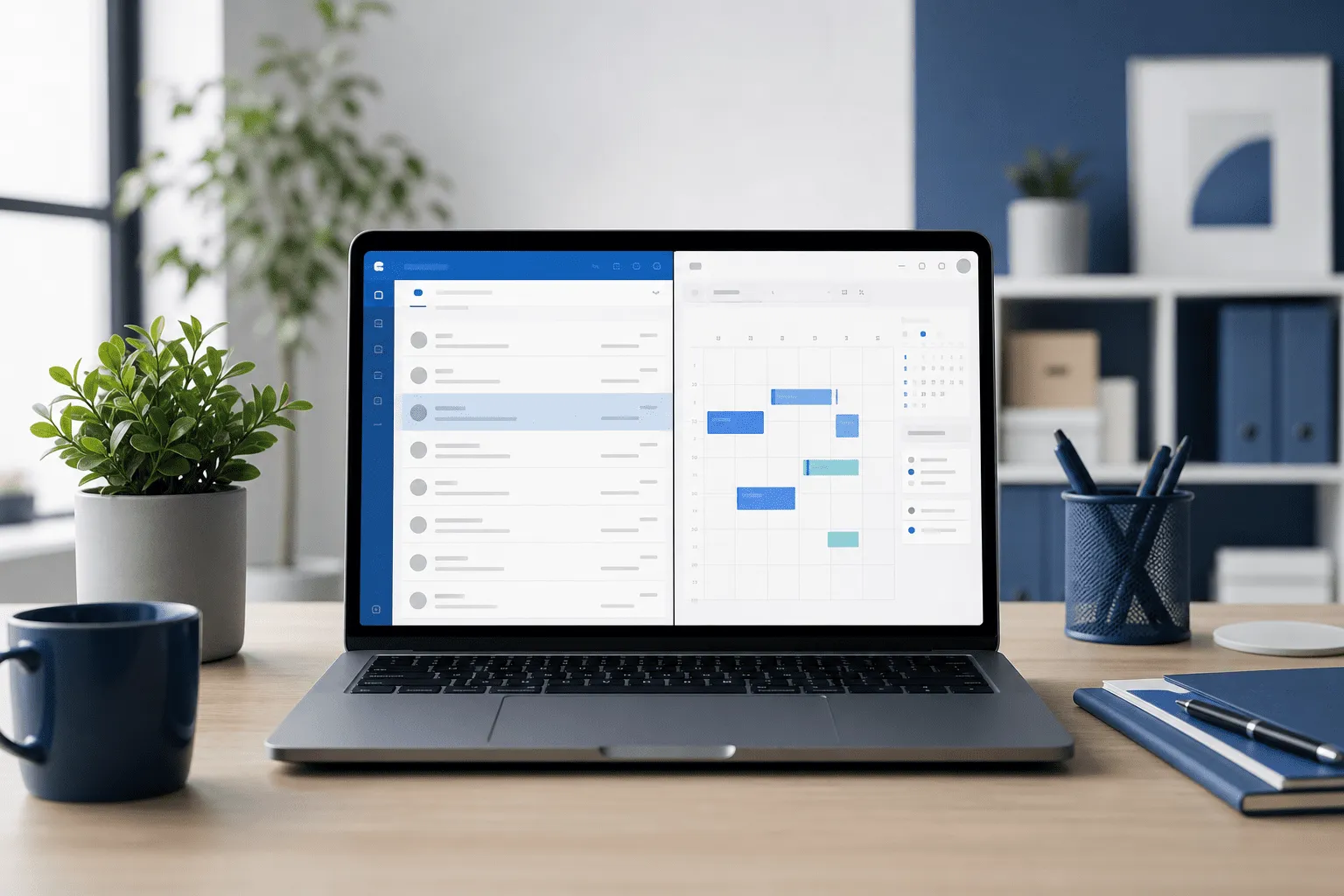
Your business email is how customers trust you, how invoices get paid, and how files survive staff changes. This guide compares practical email and workspace choices for SMBs: Microsoft 365, Google Workspace, and what to fix before you worry about AI add-ons.
TL;DR: Email and workspace for SMB means a custom domain on a business plan, not free consumer Gmail. Microsoft 365 suits teams tied to Office files and Outlook. Google Workspace suits browser-first collaboration. Both need DNS setup, a migration plan, and backups beyond vendor defaults.
What is email and workspace for SMB?
Email and workspace for SMB is your combined setup for business mail, calendars, file storage, and video meetings under your own domain (for example [email protected]). It replaces ad-hoc consumer accounts with admin controls, shared drives, and recovery options when someone leaves or a laptop dies.
If devices and WiFi are still unstable, start with the complete IT guide for small businesses and home users before paying for more cloud seats.
Why the workspace choice matters
- Trust: clients reply faster to proper domain email
- Continuity: shared mailboxes and files survive staff turnover
- Security: MFA, device policies, and audit logs on business plans
- Integration: accounting, CRM, and booking tools expect business accounts
Microsoft 365 for small business
Microsoft 365 bundles Outlook, Word, Excel, PowerPoint, Teams, OneDrive, and SharePoint. Strong fit when:
- you live in Excel for quotes, inventory, or project lists
- customers send Office attachments you must edit without format surprises
- you want desktop apps plus cloud sync on Windows PCs
Typical SMB starting point is a Business Basic or Business Standard plan per user. Add Copilot only after the team actually uses the base apps daily.
Google Workspace for small business
Google Workspace offers Gmail, Calendar, Drive, Docs, Sheets, Meet, and admin controls. Strong fit when:
- your team collaborates live in browser tabs
- you run Chromebooks or mixed devices with light local storage
- you prefer simple sharing links over SharePoint libraries
Business Starter or Business Standard covers most one-to-ten person companies. Check Swedish data and support needs before assuming the cheapest tier is enough.
Microsoft 365 vs Google Workspace at a glance
- Desktop Office apps: included on higher Microsoft tiers; Google is browser-first with optional offline
- Email client culture: Outlook vs Gmail habits matter more than feature lists
- File sharing: SharePoint/OneDrive vs Google Drive shared drives
- Meetings: Teams vs Meet, often decided by what your clients already use
- Admin learning curve: both need DNS and user management; Microsoft admin center feels heavier to some solo owners
Setup steps that prevent pain later
- Register or confirm domain ownership. You need DNS access at your registrar.
- Create business tenant. Microsoft or Google wizard verifies the domain.
- Add users and aliases. info@, billing@, shared inboxes as needed.
- Enable MFA. On every admin and user account, no exceptions.
- Plan migration. Export old mail or use built-in importers; schedule cutover.
- Configure backups. Vendor retention is not a full backup strategy.
- Document passwords and recovery. Store break-glass admin access safely.
DNS and migration are common reasons SMBs book IT support and computer help instead of fighting SPF records on a Friday night.
Security and compliance basics
Both platforms offer business-grade security when configured:
- enforce MFA and block legacy auth where possible
- use conditional access or equivalent on laptops that leave the office
- separate admin accounts from daily mail accounts
- train staff on phishing; most breaches start with a clicked link
Deeper integration with CRM or accounting may need database and integrations consulting so APIs and permissions are scoped correctly.
When to switch or stay put
Switching workspace is expensive in time. Stay if current tools work and security is sane. Consider switching when:
- you still send client mail from @gmail.com or @hotmail.com
- former staff retain access because nobody removed licenses
- files live only on one person's laptop with no shared drive
Frequently asked questions
What is the best email and workspace for a small business?
For most Swedish SMBs, Microsoft 365 or Google Workspace both work. Choose based on which apps your team already uses, whether you need tight Excel or Word workflows, and how much you value simple browser-first collaboration.
Is Microsoft 365 or Google Workspace cheaper for SMBs?
Entry tiers are similar per user. Total cost depends on licenses, add-ons like backup, and migration time. A one-person business often pays less by picking one standard plan instead of mixing consumer Gmail with business tools.
Can I use a free Gmail address for my business?
You can, but it looks unprofessional, makes support harder, and mixes personal and client data. A custom domain on a business workspace is the baseline for serious SMB email.
Do I need IT help to set up Microsoft 365 or Google Workspace?
Basic signup is self-service. Help pays off for domain DNS, migrating old mail, shared drives, device policies, and making sure backups exist beyond the vendor defaults.
Which workspace works best with AI tools?
Both vendors ship AI features in business plans. Microsoft Copilot fits teams deep in Office files. Google Gemini fits teams living in Docs and Gmail. Pick the suite you will actually use daily.
Conclusion
Email and workspace for SMB is not a forever debate between logos. Pick the suite your team will use, put it on your domain, secure it properly, and back it up. Everything else, including AI add-ons, comes after that foundation works.
Tell me how many users you have and what you use today. I can suggest a plan, migration order, or hands-on setup.
Contact me for workspace setup or read more on the IT support service page.

Jamie Bech
Senior Developer & Technical Specialist
I'm a senior developer with expertise in modern web technologies, infrastructure, and business automation. With over 8 years of experience, I specialize in creating efficient solutions that help businesses scale and grow.
Related Articles
More guides on IT, web, and practical AI for small businesses and home users